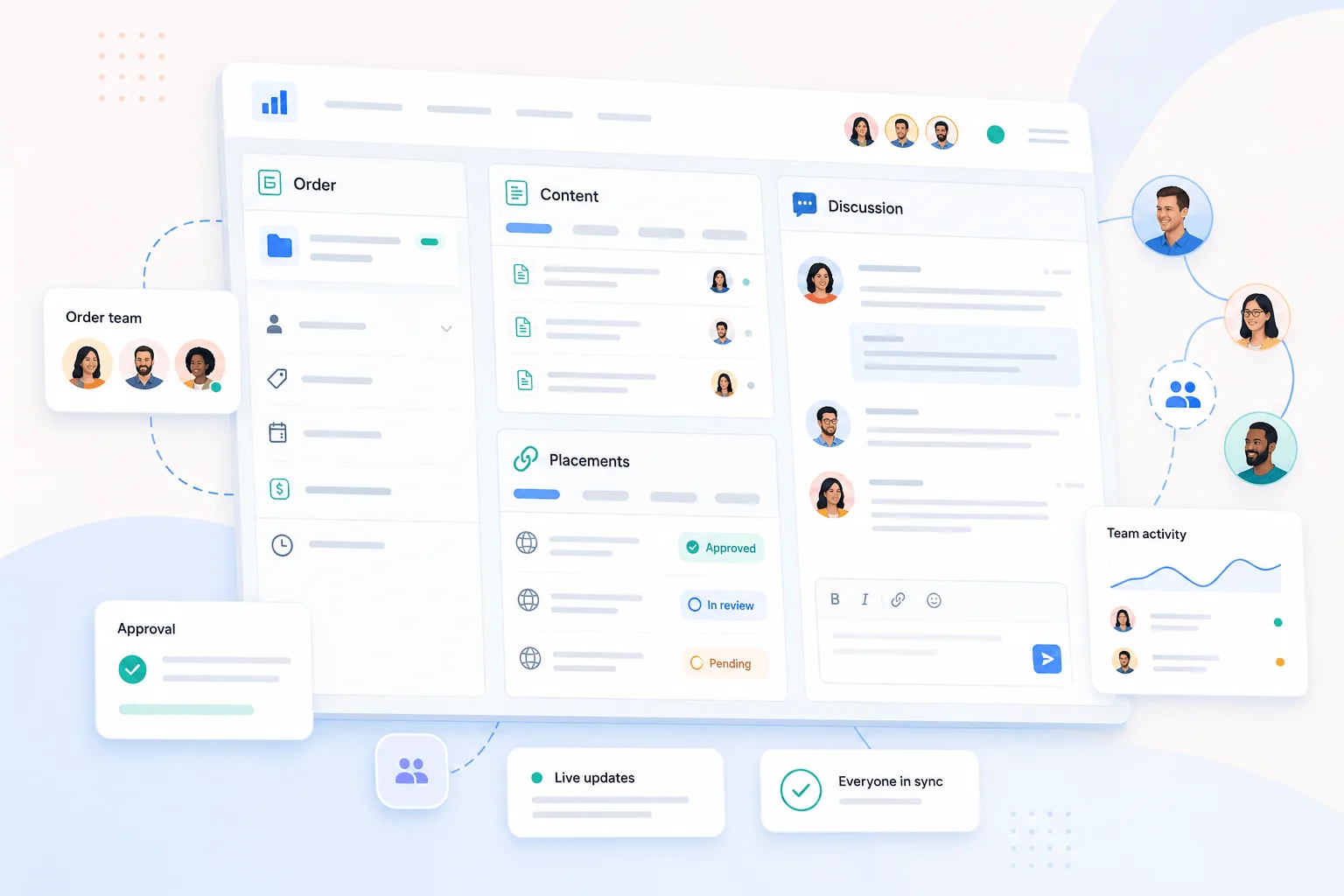
Team Accounts give Rank Engine customers a safer and clearer way to work with colleagues.
Until now, collaboration often meant forwarding order updates, sharing screenshots or letting several people use the same login. That works for a while, but it gets messy quickly. It becomes harder to know who changed something, who should receive updates and who should have access to billing or order controls.
The new Teams feature solves that by giving each teammate their own Rank Engine login.
The main account holder stays in control. Teammates get access based on their role, their own notification settings and their own identity when they comment, review or help manage work.

Built for real account teams
Most campaigns involve more than one person.
A marketing lead may manage the order. A founder may approve messaging. A finance contact may need invoices. A colleague may need to check progress, reply to comments or review an article before it moves forward.
Those people should not have to share one password or rely on forwarded emails. They should be able to work inside the account with the right level of access.
That is what Teams are built for.
Invite teammates from Settings
The account owner can add teammates from Settings > Team.
Invited teammates join through a secure invite link and use their own Rank Engine account. New users verify their email before joining, while existing users can accept an invitation without creating a second account.
Once added, teammates appear as themselves inside Rank Engine. That makes account activity, order comments and article reviews easier to follow.

Give each person the right permissions
Not every teammate needs the same access.
The account owner can grant full access or choose specific permissions:
- Billing and invoices for finance or operations contacts.
- Manage orders for people who need to view orders, respond to comments and track progress.
- Place orders for teammates who should be able to start new orders.
- Full access for trusted users who should be able to do everything.
This keeps sensitive areas protected while still letting people do the work they are responsible for.
The billing account remains the main account. Orders, account balance and billing ownership stay tied to that account, while Rank Engine can still show which teammate acted where that context matters.

Assign managers to specific orders
Some orders need a particular person involved.
The account owner or a teammate with the right permission can assign order managers. The billing owner is always included, and selected teammates can receive relevant updates for that order.
That is useful when one person owns a campaign, another handles approvals and someone else needs to stay informed without watching every order in the account.
Comments also become clearer because teammates can reply as themselves instead of everyone appearing under one shared login.

Let teammates control their own notifications
The main account still receives essential order emails.
Teammates can control their own copies. They can turn off team email notifications for themselves, and they can opt out of emails for a specific order without changing what anyone else receives.
That avoids the usual problem with shared notification lists: one person's preference should not silence the whole team.

Work together in Revision Desk
Teams also improve article review.
When an order is in Revision Desk, teammates with access can open the article under their own login. To prevent conflicting drafts, only one person can be the live editor for the order at a time. Other active viewers stay in Preview mode and can see who is editing.
The live editor can hand control to another active viewer, and read-only viewers refresh to the latest saved draft after changes are saved.
That gives teams a practical review workflow: everyone can see the article, but edits remain controlled.

What changes for customers
Team Accounts replace the retired option for adding extra notification emails.
Extra emails could receive updates, but they could not act as real users. They could not have their own permissions, notification settings, order comments, article review presence or billing access.
This is different. Each person gets a proper place inside Rank Engine while ownership and billing stay clear.
For customers, that means fewer shared passwords, clearer responsibility and better collaboration across orders, approvals and reviews.
Collect feedback from someone outside the account
A Team account gives a colleague their own login and role-based access. A Revision Desk review link serves a different purpose: a client can read and comment without an account. Your team chooses the feedback to incorporate and gives final approval. See the Revision Desk guide for that workflow.