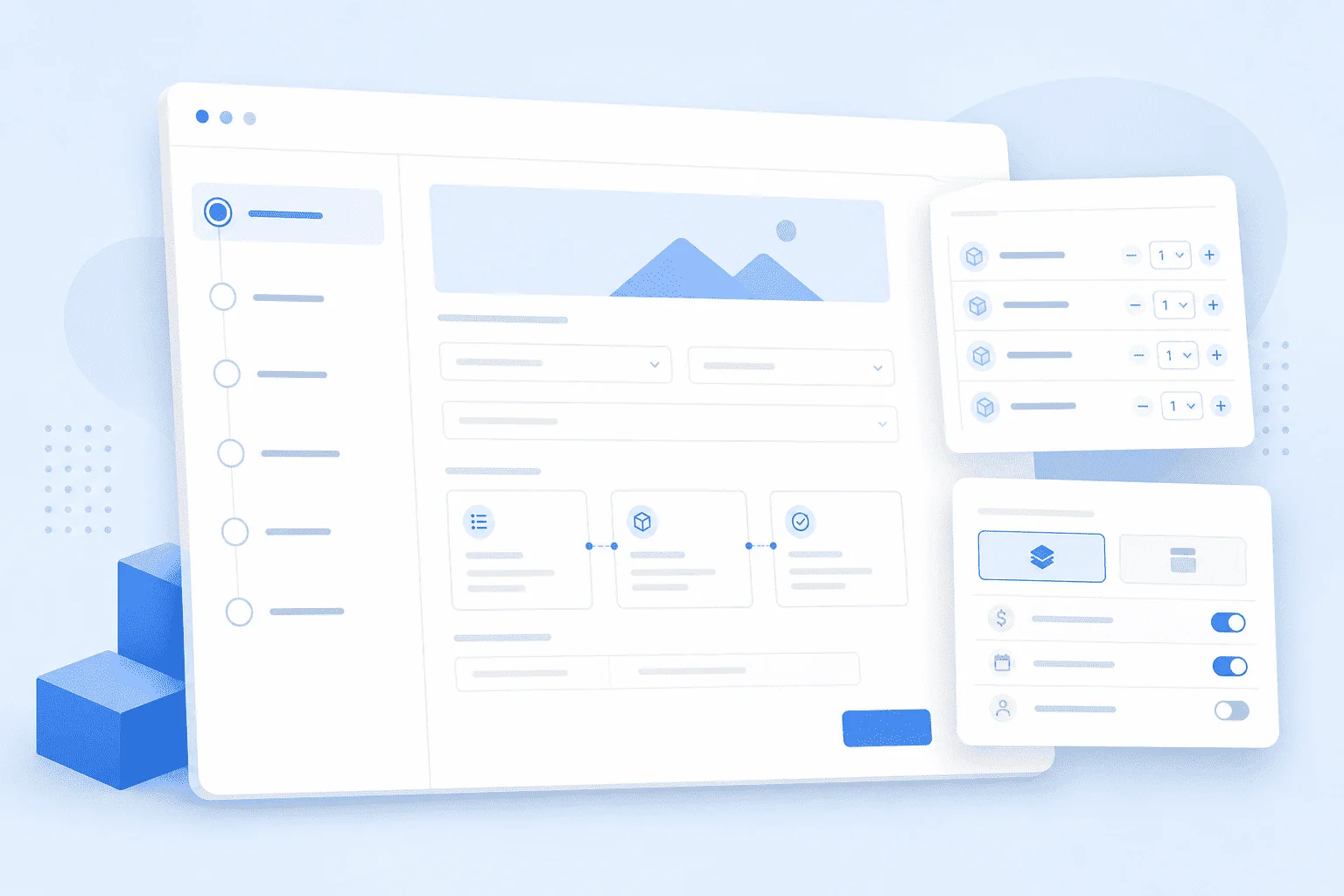
Rank Engine's Project Builder turns your campaign direction into the brief Rank Engine needs to create, place and report your order.
The guided setup walks you through the major decisions in sequence, so you do not need to fill every advanced field just to launch a strong campaign.
Use this guide as a quick map of what each decision is for.
Start with the campaign outcome
The first major choice is the outcome you want the campaign to support.
Rank Engine currently supports four solution paths:
- Reputation Management for shaping what users find first around a brand or person.
- Brand Awareness for credible brand mentions across relevant websites.
- Thought Leadership for expert-led editorial placements shaped by insight and quotes.
- Category Authority for non-branded search campaigns around products, services, topics or search themes.
This choice matters because the Project Builder adapts the setup around it. Some options are prioritised, some are de-emphasised, and the brief stays focused on what that solution needs.
Choose the Mention Type
Mention Type controls whether the article should feature the brand.
- Branded orders can mention a brand, person, profile, asset or owned property directly.
- Non-branded orders focus on a broader topic, category or service area without making the brand part of the article.
Most Reputation Management, Brand Awareness and Thought Leadership campaigns are branded.
Category Authority is non-branded because the goal is to build relevance around a category, topic or search theme rather than around the literal brand name.
Set audience, TLD and regional context
Audience controls who the article is written for.
TLD targeting controls how closely publisher domains should match that audience. You can keep the campaign broader with global domains, or make it more region-specific with matching country-code domains.
Regional Focus is separate. It tells Rank Engine where the article world should be rooted. When it is set, examples, comparable brands, expert context, research direction and article framing should be based in that location.
Use Regional Focus when local relevance matters for:
- Regional rankings.
- Local audience fit.
- Location-specific examples and sources.
- Country or city-level credibility.
Leave it blank when the article should feel globally relevant.
Choose placement targeting
Rank Engine offers fixed DA tiers and Smart Select™.
DA tiers
Choose DA40+, DA50+ or DA60+ when you need a guaranteed minimum authority tier for reporting, client expectations or campaign planning.
Rank Engine then looks for the best available publishers inside that tier using relevance, traffic quality and editorial fit.
Smart Select
Choose Smart Select when the strongest available opportunity matters more than one strict DA bracket.
Smart Select prioritises relevance, traffic, editorial quality and authority together. DA still matters, but it is not the first filter.
Build the Background
Background is the raw material Rank Engine uses to understand the brand, person, topic or asset behind the order.
For branded campaigns, a strong Background usually explains:
- Who the subject is.
- What they do.
- How their work, product, method or service actually functions.
- Which outcomes, examples or proof points matter.
- What should be avoided or handled carefully.
For non-branded Category Authority work, the Background can be shorter. It should explain the product, service, category or target page clearly enough for Rank Engine to understand what the article should support.
Use ARI when the Background is thin
ARI sits inside the Project Builder to help improve Background material.
It can assess whether the Background is strong enough, identify gaps, research supporting context and help create a cleaner version for the campaign.
Use ARI when the Background is rough, incomplete, too vague, or missing the “how” and “why” behind the subject.
Decide how the brand should appear
For branded campaigns, the Project Builder can control how prominently the subject appears.
The brand may be used as a light informational reference, a focused editorial mention, or a deeper editorial feature.
The right choice depends on the solution:
- Brand Awareness can use a lighter reference inside useful informational content or a more focused editorial mention.
- Reputation Management often benefits from a focused editorial mention, citation URLs and stronger association with owned assets.
- Thought Leadership usually needs stronger editorial treatment supported by Custom Quotes.
- Category Authority does not feature the brand inside the article.
Set article direction only where needed
Article Topic and Article Brief are optional.
Use Article Topic when you know the subject area but want Rank Engine to develop the angle.
Use Article Brief when you already know the direction and want the article to follow specific points.
Leave both blank when you want Rank Engine to develop the direction from the Background, targeting and campaign outcome.
Add optional controls where they improve the order
The Project Builder includes optional controls for more specific cases.
Citation URLs
Citation URLs let one placement support additional owned assets, such as profiles, listings, official pages or supporting resources.
They are especially useful for Reputation Management.
Custom Quotes
Custom Quotes help when the article needs expert language, executive insight or a clearer point of view.
They are especially useful for Thought Leadership.
Custom Images
Custom Images let you supply visual assets that Rank Engine can use where suitable.
They are especially useful for Brand Awareness when the brand, product or setting benefits from stronger visual context.
Keywords Near Anchor
Keywords Near Anchor can help shape the words that appear close to a link or mention.
Use it carefully. It is useful when context matters, but it should not be used to force unnatural phrasing.
Use shared or per-placement controls
Many settings can be shared across the whole project or set per placement.
Use shared settings when:
- The order has one clear direction.
- The same rules apply across compatible placements.
- You want a faster setup.
Use per-placement settings when:
- One placement needs a different topic, region, asset or control.
- A specific URL needs a specific article direction.
- Some placements need deeper treatment than others.
You can also use shared pools for reusable assets such as topics, quotes or URLs, letting Rank Engine distribute them sensibly.
Choose approvals and delivery
Approvals add review steps before work moves forward.
Content approval lets you review article drafts.
Placement approval lets you review publisher sites before Rank Engine commits to the placement.
Approvals are useful when brand sensitivity, stakeholder review or publisher fit matters. They also extend the delivery window so there is time for review cycles.
Review and checkout
At the end of the Project Builder, review the order summary, confirm the terms and continue to checkout.
If anything needs tightening, you can return to the relevant step before payment.
Final takeaway
A strong setup in the Project Builder is not about filling every field.
It is about making the right decisions in the right places: outcome, mention type, targeting, Background, content direction and approvals.
Set the direction clearly. Rank Engine handles the rest.